Overview for current Desktop users
We have tried to make the web version feel as much like a desktop version as possible.
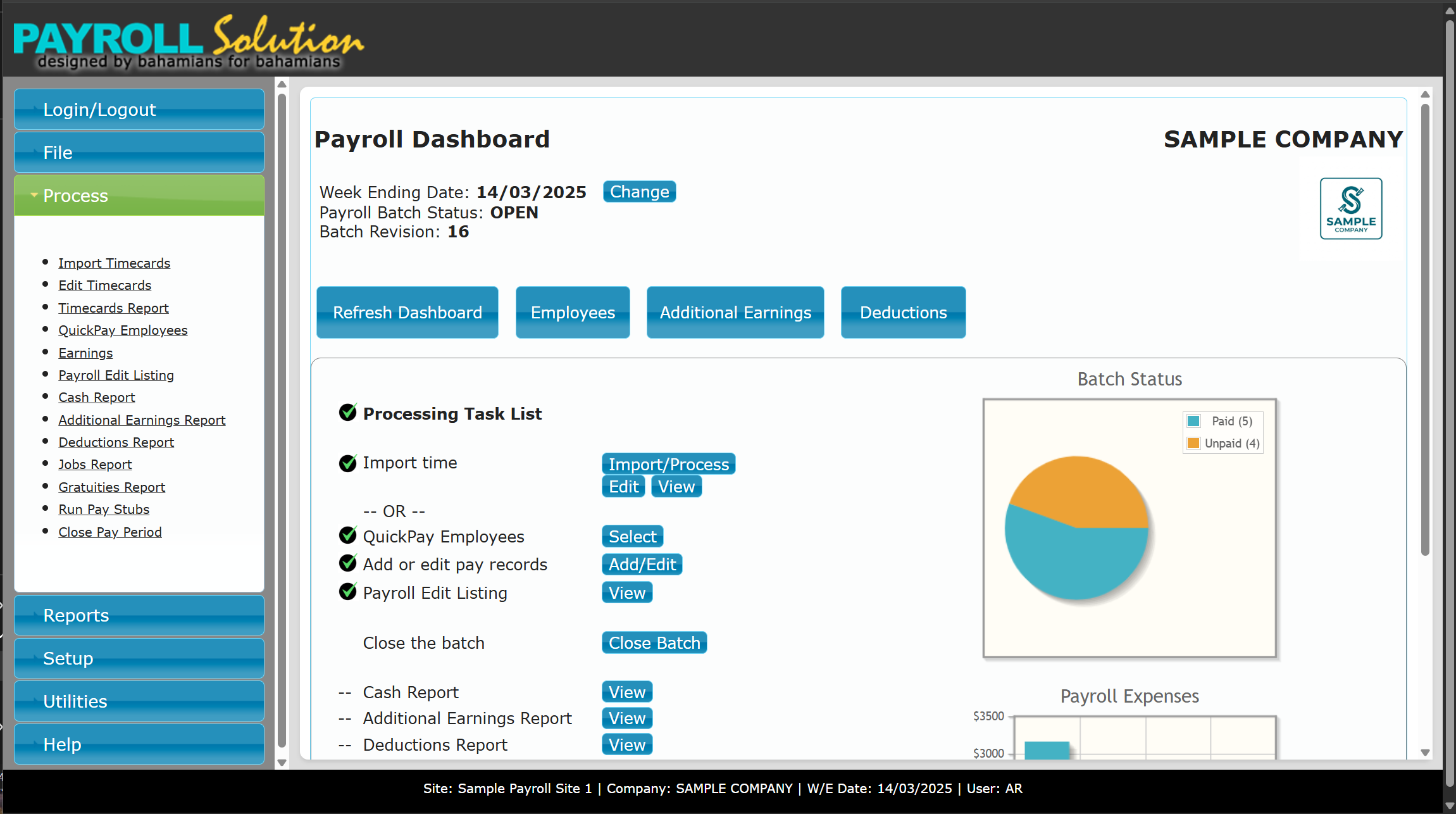
We have introduced a dashboard page, which is now the home page for the web application, and the idea is to present a task list for each payroll cycle, clearly showing you what you have completed and which items have been configured for you and which have not. You will process this task list from top to bottom each pay period, as was designed in the desktop version.
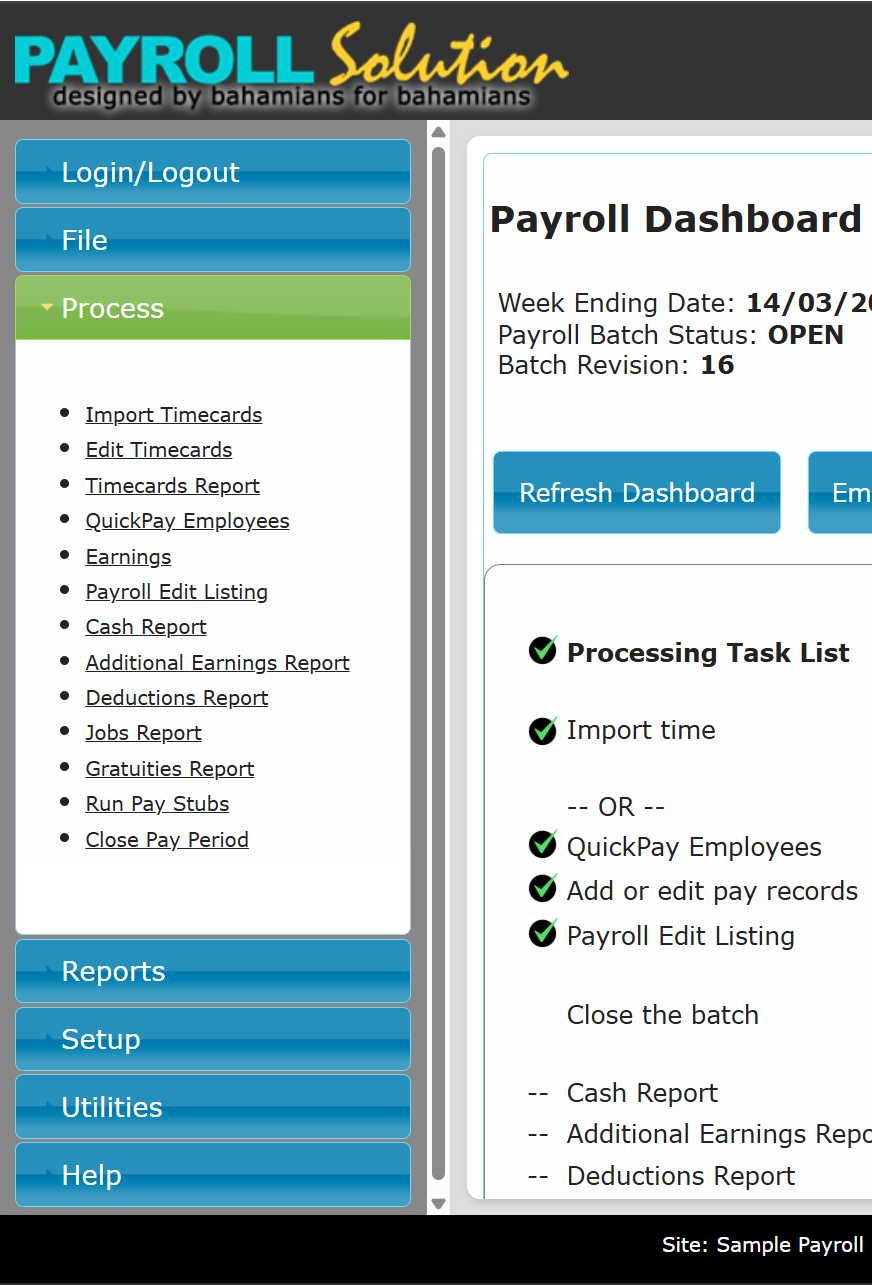
There is a menu panel on the left side of the page that matches the desktop menus as much as possible.
Due to the sensitive nature of payroll data, the system has a session default timeout of 30 minutes of no activity. This protects your sensitive data should you step away from your computer while in the middle of processing a payroll cycle. This timeout period can be adjusted for each site.
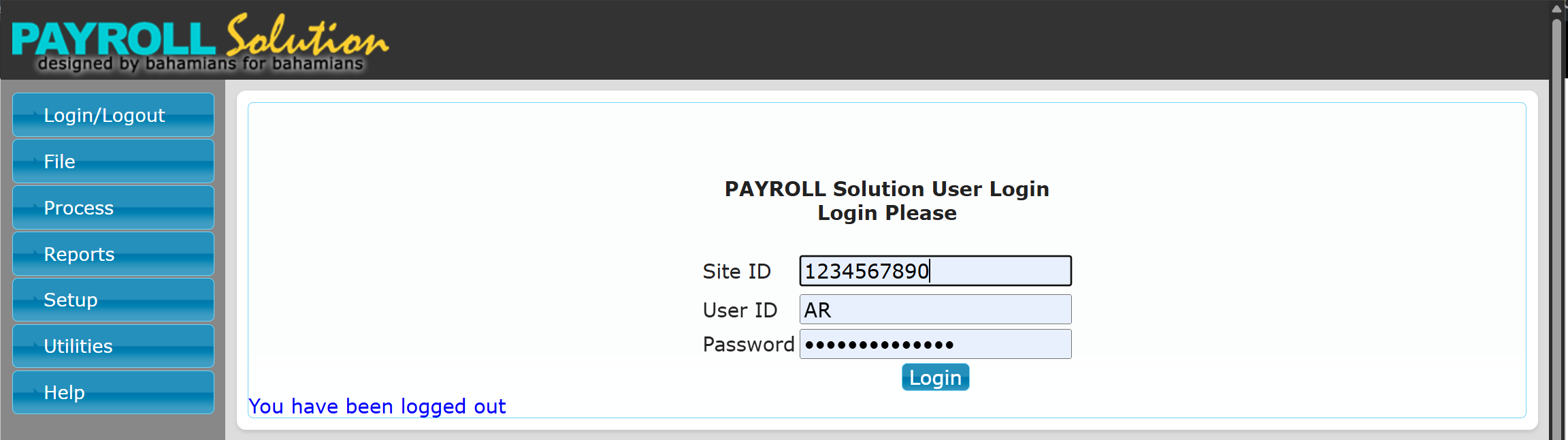
For security purposes, each site has a unique ID defined by an 10-digit number. This is used when logging in to Payroll Solution. You can bookmark the link to your site so that you don’t have to enter this code each session.
For multi-company sites, the login process works similarly to the desktop version in that you will select the company you want to work with from a dropdown list when logging in.
Once logged in, you can change companies from the File menu on the menu panel, similar to the desktop version.
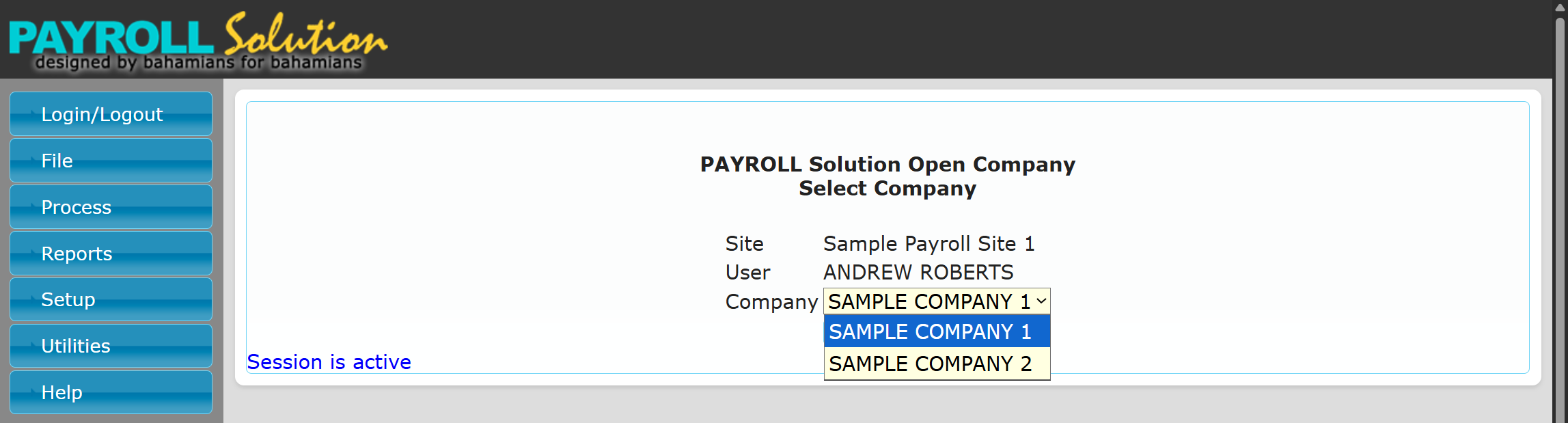
For users other than Admin, a company or companies can be hidden from a particular user.
For Admin users, if you are still using the default password, you will be required to change it to a unique and more secure password upon your first login.
All reports are now created as PDF files and can be viewed in your browser after being generated, and can be downloaded to your computer for your permanent records.
Backups and exports, such as direct deposits and G/L exports, are generated and then presented for download as well.
PDFs, backups, and exports are not retained on the server after being downloaded for both security and server storage management.
Initial use requirements for BETA users
Chrome is highly recommended for the best experience.
As it is browser-based, this now means that PCs, Macs, iPads, Chromebooks, etc are all supported.
Display resolution of 1600 x 900 or higher for the best experience.
Users should be prepared to enter 1 or 2 past pay periods before going live with the web version.
As much as is possible, the system should be used during regular working hours, Monday to Friday. Evening and weekend work should be notified ahead of time by email.
The system is still being developed, and we will try to limit implementation changes during quiet times, so we need to know when the system is actively being used.
It is imperative that users report any issues experienced via the “Report an issue” link on the Help menu, and include a picture or screenshot of errors whenever possible.
Due to the nature of a web-based application, some errors or messages may be caused by a momentary internet issue and not the application itself. Trying again or refreshing the page may clear some of these. If they happen often, this should be reported via the link.
Pricing
Due to the nature of a cloud or web-based application — the ongoing costs of the server, hosting services, web user licensing fees, etc, pricing is subscription-based. Competitive offerings that we are aware of are using a base monthly fee of $40+ and then charging an additional $6+ for each employee processed during the month. This model will quickly escalate the costs even for small companies. We have chosen to use flat monthly fees so that costs are known up front and will be consistent each month. To ease the transition to this platform, all existing desktop users are eligible for special discounted pricing, which has been reduced to the maximum sustainable limit. Annual support fees will be credited on a pro-rated basis at the time of the transition to the subscription billing.
Directly below is the special pricing for existing desktop users, followed by the regular pricing for new web users for comparison.
NOTE: During the beta testing period, there is no cost for existing desktop users.
The pricing below will be applicable when the beta testing period ends.
PAYROLL Solution Online
Special Pricing For Existing Desktop Users
Add-On Pricing
PAYROLL Solution Online
New Web User Pricing
Add-On Pricing
* does not include VAT at 10%